
Short answer
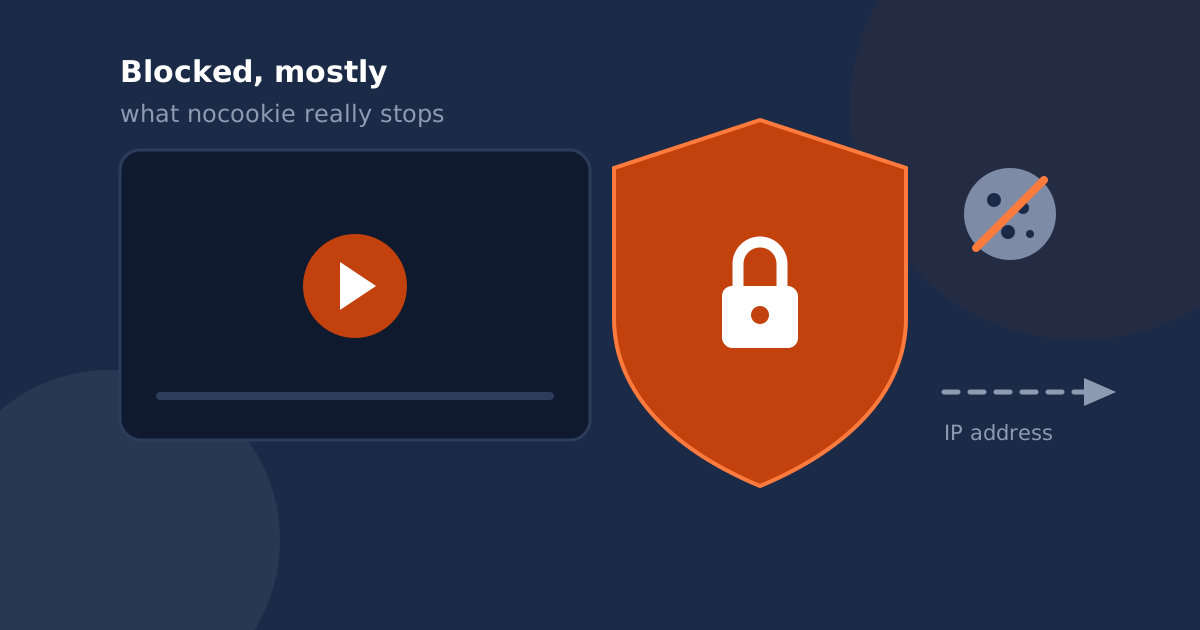
Switching an embed to youtube-nocookie.com delays tracking cookies until playback starts, but it does not make the embed invisible. The iframe still contacts Google when the page loads, which transmits your visitor’s IP address, and it still writes to browser storage.
Under EU law an IP address can be personal data, and the CJEU’s Fashion ID ruling makes the site doing the embedding a controller for what the embed collects. So the privacy-enhanced domain is a genuine improvement and not, on its own, a compliance strategy.
Why an embed is a privacy question at all
An iframe is not a picture. When a browser renders one it makes a real request to the third party, and that request carries the visitor’s IP address, user agent and referring page before anyone has clicked anything.
Two established points make that significant in Europe. First, the Court of Justice has held that an IP address can constitute personal data. Second, in Fashion ID (C-40/17) the Court held that a site embedding a third-party social widget is a joint controller with that third party for the collection and transmission of the resulting personal data.
The reasoning transfers directly to video embeds. You decide whether the iframe exists and when it fires, so you carry responsibility for the processing it triggers. “It’s Google’s player” is not a defense, because the request only happens because your page asked for it.
What youtube-nocookie.com actually changes
The privacy-enhanced domain is real and worth using. It is also narrower than its name suggests.
| On page load, before any click | youtube.com | youtube-nocookie.com |
|---|---|---|
| Request sent to Google | Yes | Yes |
| Visitor’s IP address transmitted | Yes | Yes |
| Data written to browser storage | Yes | Yes |
| Tracking cookies set immediately | Yes | Deferred until playback |
So the domain moves the cookie problem to the moment of play. It does not move the connection itself, and the connection is what carries the IP address. A site that swapped domains and considered the matter closed has fixed roughly one row of that table.
Does clicking play count as consent?
This is where a lot of “GDPR-friendly” embed advice quietly fails. France’s data protection authority, the CNIL, has been explicit that clicking a play button does not by itself meet the standard of consent that is freely given, specific, informed and unambiguous. The visitor pressed play to watch a video, not to agree to tracking, and they were not told what the click authorized.
A click-to-load facade is therefore a strong technical measure and a weak consent mechanism. It genuinely prevents data leaving before the interaction. It does not, on its own, establish that the visitor agreed to what happens afterwards. Those are separate problems, and the second one is solved with an explanation and a real choice, not with clever loading.
What actually reduces exposure
- Do not load the iframe until you have a reason to. If nothing is requested from Google before an interaction, nothing is transmitted before it either. This is the single largest reduction available.
- Ask properly, in your consent banner. Treat the video embed as a non-essential third party, name it, explain what loading it means, and let the visitor decline without losing the rest of the page.
- Host the placeholder image yourself. A facade that still pulls its thumbnail from a Google-owned domain has reintroduced the request it was built to avoid. This one is easy to miss.
- Use the nocookie domain anyway. It costs nothing and removes the immediate cookies once playback starts.
- Write it down. Name the embed and its purpose in your privacy policy, including that data goes to a third party.
How our own player behaves
Since this post argues that details matter, here is exactly what Vid Sharpei does, including the part that is not perfect.
The player renders a facade first and creates no video iframe until the visitor interacts, so no player request reaches Google on page load. When playback does begin, the iframe is created against youtube-nocookie.com.
The caveat: by default the cover image is fetched from Google’s image CDN, which means one image request, carrying the visitor’s IP, does happen on page load. Uploading your own cover image removes it. If you have significant European traffic, set a custom cover image, and then no request reaches Google until play is pressed.
Related reading
If you are reviewing your embeds anyway, the player parameters you inherited are probably also out of date: why rel=0 doesn’t hide suggested videos. And if this has you weighing a move off the platform entirely, the trade-offs are in YouTube vs Vimeo vs Wistia.