
Short answer
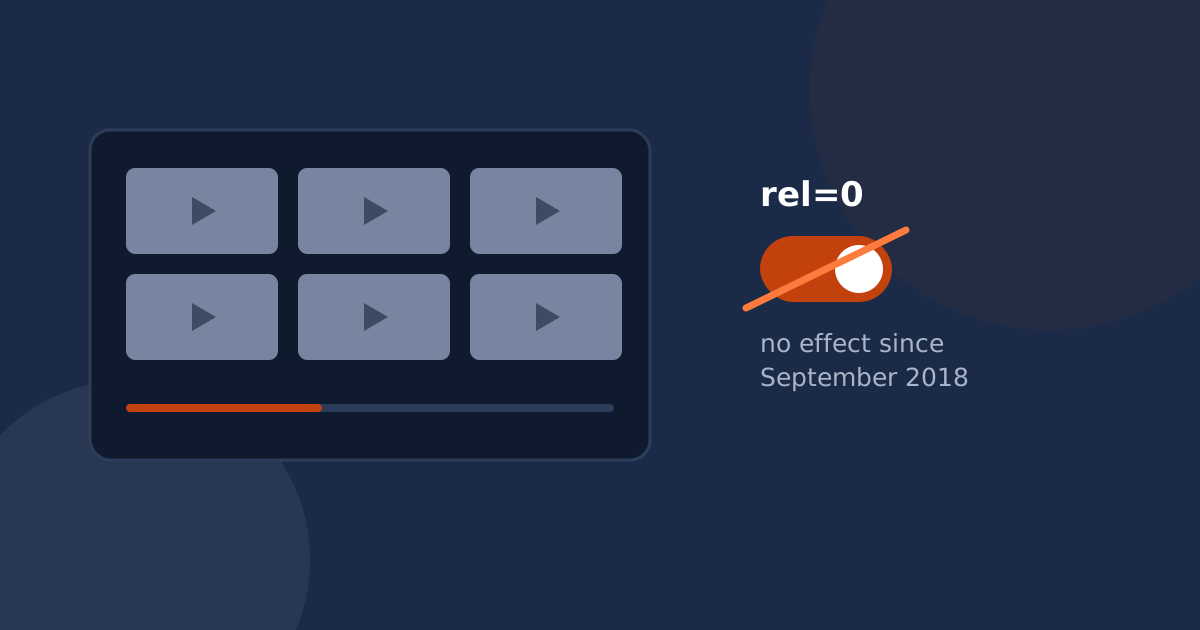
rel=0 has not hidden related videos since 25 September 2018. Today it only narrows the suggestions to the same channel as the video that just played. It never removes them.
modestbranding was deprecated on 15 August 2023 and now has no effect at all, and showinfo was removed in 2018. There is no combination of official player parameters that produces an embed with no suggestions and no platform branding.
If you have ever added ?rel=0 to an embed URL, reloaded the page, and found a grid of other people’s videos still waiting at the end, you are not doing it wrong. The parameter genuinely does not do what almost every tutorial says it does, and it hasn’t for years.
The confusion is easy to explain. The parameter still exists. It still accepts the value 0. Nothing errors, nothing warns, and the URL in your embed code looks exactly like the one in the blog post you copied it from. It simply behaves differently now.
What rel=0 actually does today
YouTube’s own player parameter reference is unambiguous. When rel is set to 0, related videos will come from the same channel as the video that was just played. When it is set to 1, the default, suggestions are drawn from across the platform.
So the parameter is not dead, and it is not useless. It changes whose videos appear at the end. What it cannot do, and what it has not done since 2018, is prevent an end screen from appearing at all. For a channel with a deep catalogue that may be an acceptable outcome: the viewer at least stays in your world. For a business with three videos on a landing page, “related videos from the same channel” is a thin consolation.
modestbranding no longer does anything
The other half of the standard recipe was modestbranding=1, which once reduced the platform logo in the control bar. YouTube deprecated it on 15 August 2023. The current documentation states plainly that the parameter is deprecated and has no effect, and that the player now determines the appropriate branding treatment based on a combination of factors it does not enumerate.
In practice this means branding is no longer something you configure. It is something the player decides. Any snippet you find that pairs rel=0 with modestbranding=1 is, as of today, two parameters where one narrows suggestions and the other is ignored completely.
showinfo was removed even earlier
showinfo=0 used to hide the video title and uploader information before playback. It was deprecated on 23 August 2018. Following that change, the channel avatar and video title always display before playback begins. There is no replacement parameter.
The parameters that do still work
Plenty of the player API remains useful. Here is the current state of the parameters people actually reach for, according to YouTube’s reference:
| Parameter | Status | What it does now |
|---|---|---|
rel | Changed | 0 limits end-screen suggestions to the same channel. It does not remove them. |
modestbranding | Deprecated | No effect since 15 August 2023. |
showinfo | Removed | No effect. Title and channel avatar always show before playback. |
controls | Works | 0 hides the player controls entirely. |
iv_load_policy | Works | 3 turns off video annotations. |
disablekb | Works | 1 stops the player responding to the keyboard. |
fs | Works | 0 removes the fullscreen button. |
start / end | Works | Begin and stop at a given number of seconds. |
cc_load_policy | Works | 1 shows captions by default even if the viewer turned them off. |
playsinline | Works | 1 plays inline on iOS instead of going fullscreen. |
loop | Works, with a catch | For a single video you must also pass playlist set to the same video ID. |
color | Works | red or white for the progress bar. Nothing else is configurable. |
enablejsapi | Works | 1 lets you control the player from JavaScript. Pair it with origin set to your domain. |
autoplay | Works, browser permitting | 1 starts on load. Browsers generally require the video to be muted for autoplay to be allowed, and playback data collection begins at page load rather than on a click. |
What you can and cannot control
Reframing the table by goal makes the boundary clearer:
- Hide the control bar and its logo: possible with
controls=0, but you also lose the scrubber, volume and captions button, so you need to build replacements. - Skip the title card before playback: not possible.
- Prevent the end screen: not possible. Only its contents can be narrowed, with
rel=0. - Stop the video before the end screen appears: partially possible with
end, though the suggestion grid still arrives when the player reaches the real end. - Recolor the player to match your brand: only the progress bar, and only red or white.
So what actually works?
Once you accept that the parameters cannot get you there, there are three honest paths.
1. Accept the end screen and shape it
Set rel=0 so suggestions stay on your channel, use end to stop short where it makes sense, and publish enough of your own videos that a same-channel grid is a reasonable next step. This costs nothing and is the right answer for a lot of channels.
2. Pay for hosting that does not sell attention
Vimeo and Wistia both give you a player with no third-party suggestions, because their business model is your subscription rather than watch time. You pay for storage and bandwidth you currently get for free, and you take on a migration. We compared the real trade-offs in YouTube vs Vimeo vs Wistia.
3. Put the video inside your own player shell
The third approach keeps the video where it is and changes the presentation layer around it: your own cover image, your own controls, your own colors, and your own message when playback finishes, so the viewer’s next step is something you chose. This is the technique behind purpose-built embed tools, including this one.
The short version
rel=0 narrows suggestions to your own channel. modestbranding and showinfo do nothing at all. If your goal is an embed that ends on your call to action rather than a grid of other people’s videos, no query string will get you there, and any tutorial that claims otherwise was written before September 2018.
Worth reading next: what youtube-nocookie actually does, since the same embed carries privacy obligations most site owners haven’t been told about.